Remove Watermark

Upload. Detect. Erase. Restore.

AI-powered watermark removal that keeps every face and detail intact
Upload & Remove Watermark
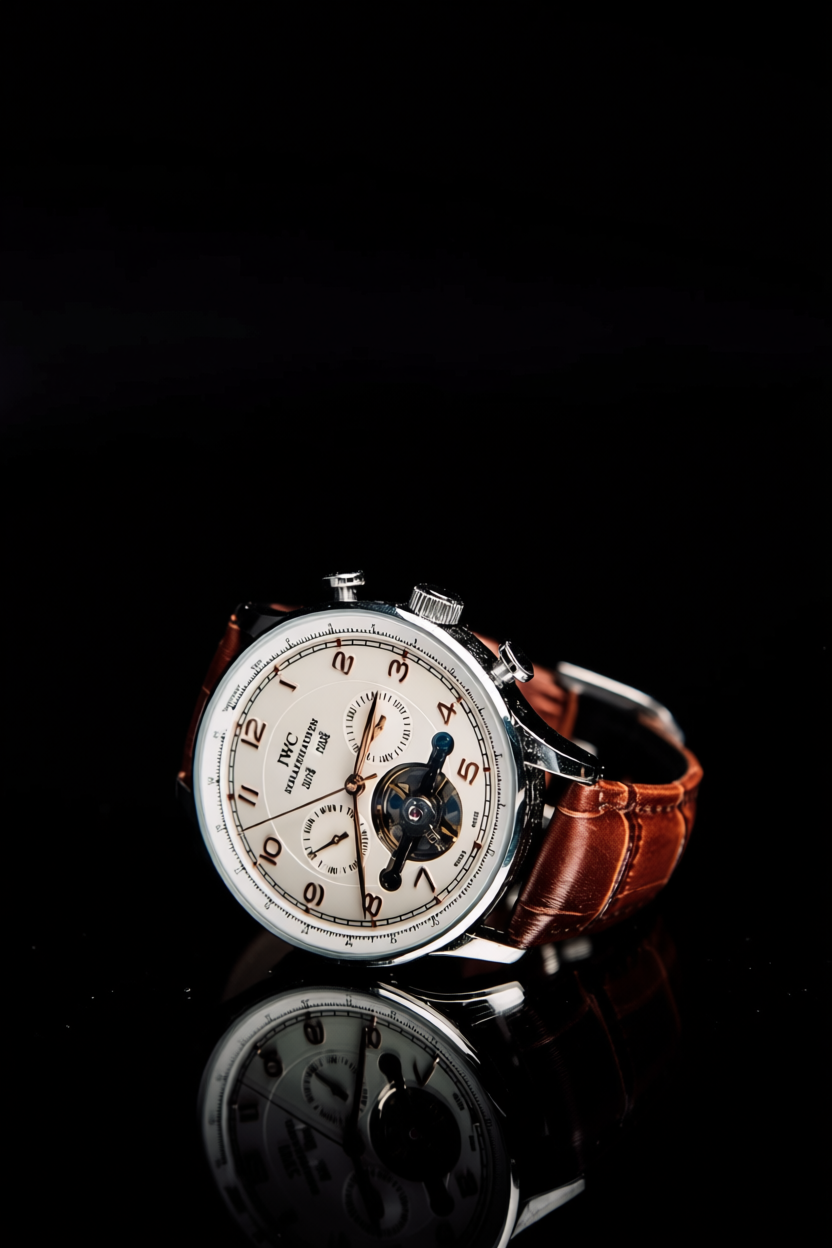
Product photo after watermark removal Product photo with watermark
AI-generated portrait after logo watermark removal AI-generated portrait with logo watermark

Online 1-Click Watermark Removal Studio

Upload a Watermarked Photo
Ready
What kind of photo is this?
Initializing ClearPix neural network...
Awaiting Photo Upload
Upload a photo and click remove to compare results in real time
After watermark removal Original photo

Smart Watermark Removal Capabilities

Precise Text Watermark Detection

Automatically locates repeated text watermarks and copyright captions, removing them without ghosting.

Logo / Icon Watermark Removal

Also handles corner badges and stamp-style logo watermarks, naturally filling in the covered area.

Full Facial Identity Preservation

Even with people in the photo, the AI only touches the watermark area — faces, expressions and identity stay untouched.

Targeted Local Repair

Only the area covered by the watermark is repaired; the rest of the composition and background stay exactly as they were.

1K HD Output

Outputs high-definition PNG images, sized for fast, reliable processing.

Privacy & Security

All processing happens over encrypted channels and photos are cleared immediately after processing.

Frequently Asked Questions

What kinds of watermarks can ClearPix AI remove?+
Repeated text watermarks, logo/icon watermarks, and corner copyright captions are all supported — the AI automatically locates the watermark and repairs only that area.
Can it remove watermarks from photos with people in them?+
Yes. Because only the watermark area is repaired, faces, expressions and identity are fully preserved and never redrawn.
How long does processing take?+
Usually 20 to 40 seconds, depending on current AI server load.
Are my photos saved or used for training?+
Photos are transmitted securely via encrypted channels and data is cleared after processing. Please note that the underlying AI processing service may use submitted images for model improvement. We recommend avoiding photos that contain sensitive personal information.
What image formats are supported?+
JPG, PNG, WEBP, BMP and other common formats are supported. Output is a 1K HD PNG.
Can ClearPix AI remove the watermark from Sora, Nano Banana, or Google Flow generated images?+
Yes. If an AI image or video tool such as Sora, Google Flow, or Nano Banana has stamped a small logo watermark on content you generated, you can upload it and remove that visible watermark the same way as any other photo. This is intended for content you generated yourself and have the right to edit.
Will removing a watermark blur or lower the quality of my photo?+
No. ClearPix AI only repaints the small area covered by the watermark itself — the rest of the photo, including faces and fine details, stays untouched, so there is no blur or quality loss elsewhere in the image.